
What Seedream 5.0 Flash Is Good For
The jobs where you need a lot of images, fast, and the per-image price matters.
Re-theme an Existing Design
Packshot to Lifestyle Photo
What Is Seedream 5.0 Flash?
Seedream 5.0 Flash is the fast, low-cost member of ByteDance's Seedream 5 family, next to Seedream 5.0 Pro and Lite. It reads the same prompts as Pro, gives up a little fine detail for speed, and charges one price no matter the size.
- Same Prompts as ProPrompts written for Seedream 5.0 Pro work unchanged, so you can draft on Flash and move the keepers to Pro.
- Up to 10 ReferencesEdit one image or combine several, from product shots to character sheets, in a single request.
- One Flat Price9 credits per image at 1K, 1.5K or 2K, with any number of reference images. No math before you click.
How to Use Seedream 5.0 Flash on VidCella
Prompt to download in four steps:
Seedream 5.0 Flash Features on VidCella
What the Flash generator supports:
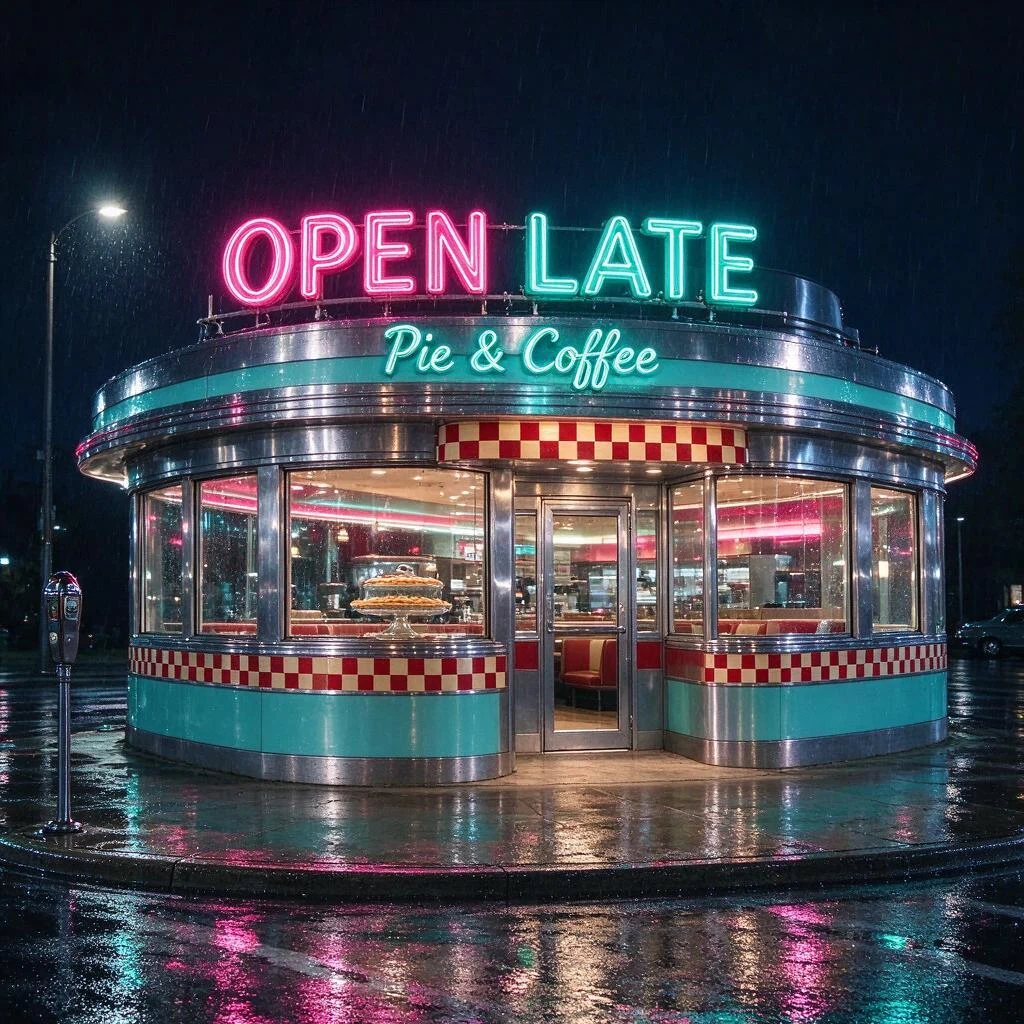
Lettering That Reads Right
Neon, menus and shopfront signs come out spelled the way you typed them.
Multi-Reference Editing
Edit with 1 to 10 reference images in one request.
1K, 1.5K & 2K
Three output sizes, all at the same price.
15 Aspect Ratios
The same ratio range as Seedream 5.0 Pro, or match the first uploaded image when editing.
Batch Generation
Run several images from one prompt and pick the strongest.
Pay Per Image
9 credits flat. No subscription, no queue, no waitlist.
FAQs about Seedream 5.0 Flash
Common questions about Seedream 5.0 Flash on VidCella
What is Seedream 5.0 Flash?
The speed tier of ByteDance's Seedream 5 image models. It does text to image and reference-based editing with up to 10 images, at 1K, 1.5K or 2K.
How much does it cost?
9 credits per image, whatever the size and however many reference images you add. No subscription.
Seedream 5.0 Flash or Seedream 5.0 Pro?
Use Pro (14 credits at 1K, 27 at 2K) for final images where fine detail and reference fidelity matter most. Use Flash for high-volume work, quick drafts and edits where speed and price come first. Both take the same prompts and up to 10 references.
How many reference images can I use?
Up to 10. Leave the upload empty to generate from text; add images to edit or combine them.
Which sizes and aspect ratios are available?
1K, 1.5K or 2K output across the same 15 aspect ratios as Seedream 5.0 Pro. When editing, you can let the output follow your first reference image.
Can I use the images commercially?
Yes. Handle real-person likeness, trademarks and third-party IP responsibly under applicable law and our terms.