AI Camera Angle Changer
Re-shoot a photo you already have from a different camera position. Ten angles, with the subject, setting and light left as they were.
Upload a photo of a person, product, room or street
PNG, JPG, WEBP
Preview
Move the Camera After the Shoot
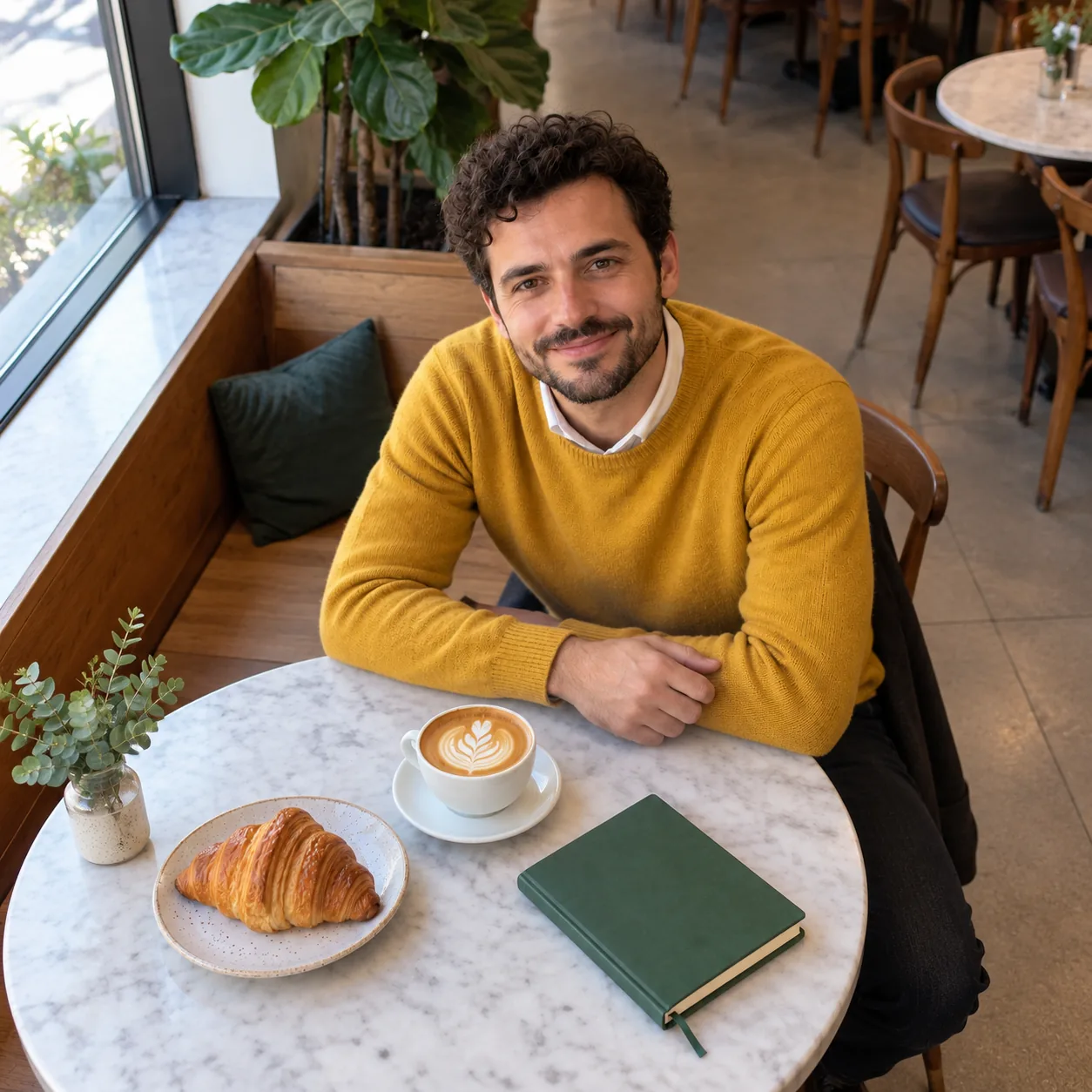
You have the photo but not the angle. Maybe the product was only shot head-on, or the portrait needs a profile to go with it. Pick a camera position and Seedream 5.5 renders the scene again from there, as if a second photo had been taken a moment later. The prompt lists everything that has to stay put, because a viewpoint change redraws the whole frame: the people, what they wear, the objects on the table, the background and the direction of the light.
- Extra Listing PhotosTurn one product shot into a top-down, a three-quarter and a close-up for the same listing.
- Storyboards and Shot ListsBlock out coverage for a scene from a single still: wide, over-the-shoulder, low angle.
- Start Frames for VideoUse the new angle as the first frame in an image-to-video model when the original framing doesn't fit.
How to Change the Camera Angle of a Photo
One upload, one tile.
Ten Camera Positions
What each one actually does to the frame:
High, Low and Top-Down
Raise the camera about 45°, drop it below chest height and tilt up, or go straight overhead for a flat-lay.
Three-Quarter and Side Profile
Walk the camera 45° or 90° around the subject at the same height.
Back View and Over the Shoulder
Go behind the subject to show what they were facing, with or without their shoulder in the foreground.
Dutch Angle
Same position, camera rolled about 20° so every vertical tilts.
Close-Up
Push in until the face or main object fills the frame and the background softens.
Wide Shot
Pull far back. The surroundings are extended to match the original setting.
AI Camera Angle Changer — FAQ
How accurate is the new angle?
It is a plausible re-shoot, not a 3D reconstruction. Anything the original photo never showed, such as the back of a jacket or the far side of a room, is inferred. Smaller moves like three-quarter or high angle stay closest to the source; back view asks the model to invent the most.
Does the person keep the same pose?
Yes. This tool moves the camera and leaves the subject as they were.
Will the face still look like the same person?
Face, hair, skin tone and expression are on the keep list. Likeness holds best when the face is large and clear in the original.
What aspect ratio do I get?
The same ratio as your upload, at the 1.5K tier.
Is the AI Camera Angle Changer free?
Signing up is free and comes with free trial credits, enough for about four new angles at 9 credits each. When those run out, credit packs start at $10 for 800 credits. There is no subscription, and if a generation fails its credits are returned.
How much does each angle cost?
9 credits per generation. Pay-as-you-go, no subscription.