
AI Sticker Generator
Describe a sticker, or upload a photo of a person, pet or object, and download a die-cut sticker as a transparent PNG in one of eight styles.
Want it animated? Send it to the AI GIF Generator.
Upload a person, pet or object to turn into a sticker
PNG, JPG, WEBP
Preview
A Sticker With the Background Already Gone
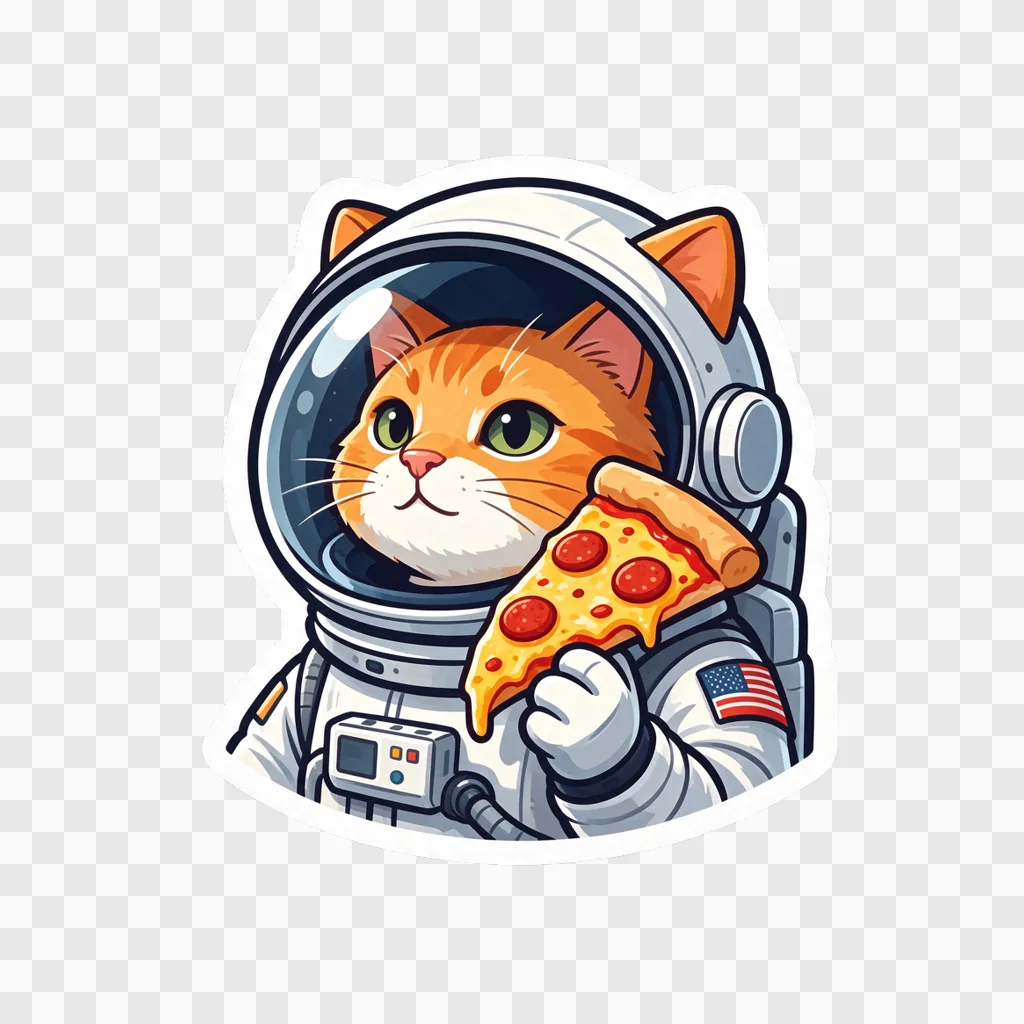
Most image models give you a sticker-looking picture on a white or gray square, and then you spend ten minutes in a background remover. Seedream 5.5 can output a transparent background natively, so this tool asks for exactly that: one subject, a thick white die-cut border, no drop shadow, and an alpha channel around it. Start from a sentence or from a photo, pick a style, and download a PNG you can use as is.
- Real TransparencyThe PNG has an alpha channel. Drop it on any color and only the sticker and its white border show.
- Two Ways InText makes a sticker from scratch. A photo turns its main subject into one, with the photo's background left out.
- Eight StylesCartoon, Kawaii, Chibi Anime, 3D, Pixel Art, Retro, Watercolor and Doodle, each with a preview tile.
From a Photo, From a Sentence
Results from this tool at its default settings.
A Person, Stickerized
A Pet, With Its Markings
Same Prompt, Every Style
How to Make a Sticker
A description, a photo, or both.
Tips for Cleaner Stickers
Small things that change the result:
One Subject Each
The tool makes a single centered sticker per run. For a set, generate them one at a time in the same style.
Ask for Lettering Explicitly
Text appears only if you request it. Put the exact words in quotes: The words "GOOD VIBES" in bubbly rainbow letters.
Close, Clear Photos
For photo stickers, the subject should fill most of the frame. Busy backgrounds are fine; they get dropped.
Need 2K output, a different aspect ratio or several reference images? Open the full Seedream 5.5 generator.
AI Sticker Generator — FAQ
Will these work in WhatsApp, Telegram or Discord?
Yes, after resizing. WhatsApp and Telegram stickers are 512 pixels and Discord's are 320; the 1024-pixel PNG scales down cleanly in any sticker-maker app or bot.
Can I print them?
At 300 dpi, 1024 pixels is about 3.4 inches (8.7 cm) across, which covers laptop and water-bottle sizes. Most print shops accept a transparent PNG and cut along the white border.
Can I animate a sticker?
Upload it to the AI GIF Generator and describe the motion. Note that the GIF will have a solid background.
Can I make a sticker of someone else?
Only with their agreement. Use your own photos or photos of people who are fine with it.
Is the AI Sticker Generator free?
Signing up is free and comes with free trial credits, enough for about six stickers from text at 6 credits each, or four from photos at 9 credits each. When those run out, credit packs start at $10 for 800 credits. There is no subscription, and if a generation fails its credits are returned.
What does a sticker cost?
6 credits from text, 9 credits from a photo. Pay-as-you-go, no subscription.