
AI Pose Transfer
Pick a preset pose or upload your own reference to make a different pose from the same photo — AI keeps their face, identity, and clothing.
Upload the person whose identity to keep
PNG, JPG, WEBP
Upload the image with the pose to copy
PNG, JPG, WEBP
Preview
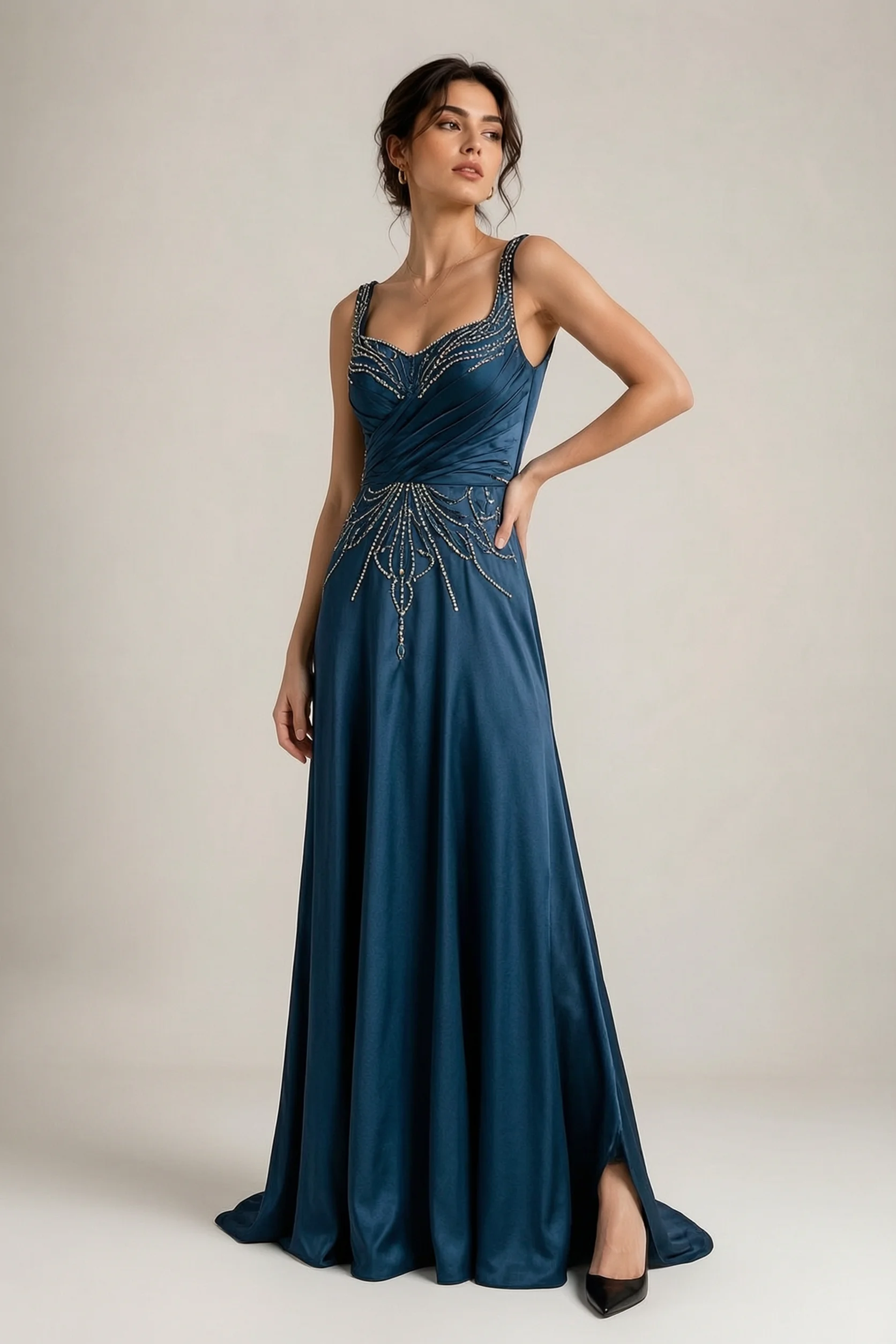
What is AI Pose Transfer?
AI Pose Transfer takes a person from one photo and places them in the pose shown in a second reference photo — preserving the subject's face, identity, hair, and clothing while changing only their body position. It's the fastest way to make a different pose from a photo you already have. On VidCella it runs on Seedream V5 Pro, ByteDance's flagship image model, tuned for faithful, permissive image editing of real people.
- Identity PreservationThe subject's face, hair, skin tone, and clothing carry over from the source photo. Only the body pose changes — no uncanny swaps or drifted features.
- Any Pose, Any ReferenceUse a fashion editorial, a sports freeze-frame, a dance still, or even a stick-figure sketch as the pose reference. The model reads the skeleton and maps it onto your subject.
- Powered by Seedream V5 ProSeedream V5 Pro (15 credits per generation at the 1K tier) handles real human subjects and poses with a permissive content policy, so portraits and full-body shots rarely get refused.
- No Prompt EngineeringUpload two images, optionally add a brief instruction, and hit Generate. The tool builds the prompt automatically — no need to learn prompt syntax or worry about wording.
How to Use AI Pose Transfer on VidCella
Three steps from photos to result.
AI Pose Transfer Features on VidCella
What you get when you run Pose Transfer through VidCella:
Face & Identity Lock
The subject's face, hair, and distinguishing features are preserved from the source photo. The model only changes the body position.
Clothing Preservation
Outfit, accessories, and fabric texture carry over to the new pose. No random wardrobe swaps.
Preset Pose Library
Skip the hunt for a reference — pick from a curated set of preset poses in one click, or upload your own when you have something specific in mind.
Permissive with Real People
Seedream V5 Pro is built for editing real human subjects, so portraits, full-body shots, and dynamic poses rarely trigger a refusal.
Optional Extra Instructions
Add a short text note to fine-tune the output — change the background, adjust lighting, or specify details the auto-prompt doesn't cover.
History Panel
Every generation is saved. Revisit, compare, and download past results from the built-in history panel.
AI Pose Transfer — Frequently Asked Questions
Common questions about VidCella's AI Pose Transfer tool:
What is AI Pose Transfer?
AI Pose Transfer takes two images — a source photo of a person and a reference photo showing a target pose — and generates a new image of the source person in the target pose, preserving their face, identity, hair, and clothing.
Which model does it use?
It runs on Seedream V5 Pro, ByteDance's flagship image model, tuned for editing real human subjects. Output is fixed to the 1K tier and follows your source photo's aspect ratio. It handles portraits and full-body poses with a permissive content policy.
What kind of pose reference works best?
Any clear photo of a person in the desired position works well. Full-body shots with visible limbs produce the best results. Fashion photos, dance stills, sports captures, and even stick figures can serve as references.
Does it work with group photos?
The tool is designed for single-subject transfers. For best results, use a source photo with one clearly visible person. Group shots may produce unpredictable results.
Can I adjust the result?
Yes — use the optional instruction field to guide the model. You can request background changes, lighting adjustments, or specific details, then regenerate if the first result isn't what you want.
Is my data stored?
Uploaded images are processed for generation only. Results are saved in your personal history panel for later download. VidCella does not use your images for training.