
AI Cosplay Generator
Upload your photo and a character reference — costume, wig, and props land on you, your face stays yours.
Upload the person whose identity to keep
PNG, JPG, WEBP
Upload a photo of the costume or character
PNG, JPG, WEBP
Preview
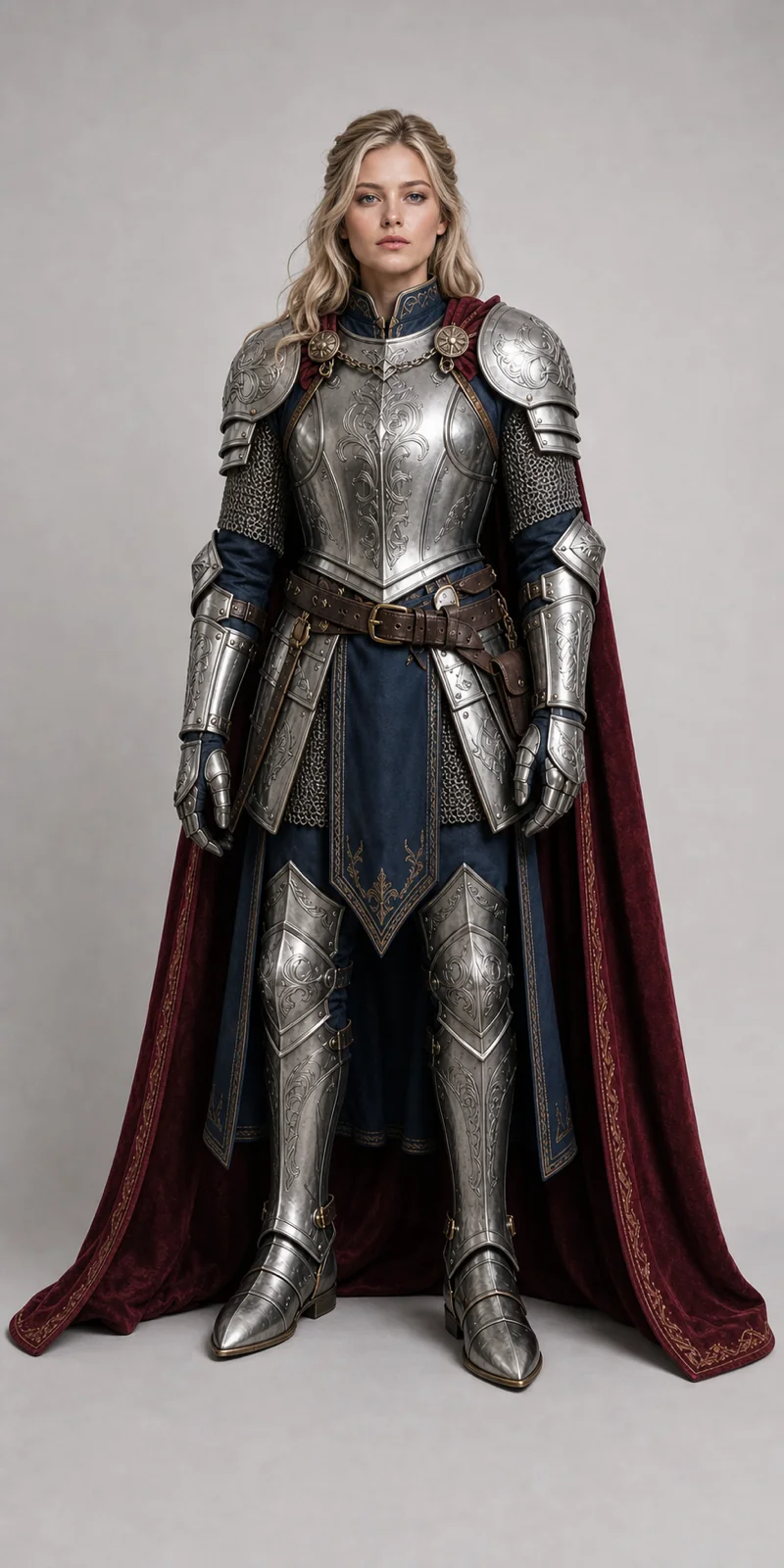
What is an AI Cosplay Generator?
Upload your photo and a character reference, and the AI dresses you in that costume — wig, accessories, and props included — while keeping your face. Unlike a generic outfit swap, this one is prompted to let the hair change, because cosplay usually means a wig. Runs on Seedream V5 Pro, ByteDance's flagship image model.
- Wig and Props IncludedHair is free to change and accessories carry over, so the whole look lands — not just the clothing.
- Your Face Stays YoursFace, skin tone, body shape, and pose come from your photo. It's you in the costume.
- Any Character ReferenceOfficial art, a game screenshot, or another cosplayer's photo all work as the costume source.
How to Make an AI Cosplay Photo
Three steps to become the character.
AI Cosplay Generator Features
Built for character transformation:
Full-Look Transfer
Costume, wig, accessories, and props transfer together instead of clothing alone.
Material Fidelity
Armour, latex, leather, and fabric keep their colour and surface detail.
Elaborate Costumes
Layered, detailed character costumes come back at full output quality, armour plates and all.
AI Cosplay Generator — FAQ
Will it change my hair to the character's?
Yes. Unlike the general clothes changer, this tool lets the wig replace your hair — that's usually what makes a cosplay read correctly.
Does my face stay the same?
Your face, skin tone, and body shape are preserved, and the prompt explicitly blocks the reference image's face from carrying over.
Can I use official art as the reference?
Yes — illustrations, game screenshots, and photos of other cosplayers all work. Clearer references give cleaner costumes.
How much does it cost?
15 credits per generation — the 1K tier plus the second reference image.