
AI Clothes Changer
Upload your photo and an outfit reference to change clothes in the photo — face, body, and pose stay exactly as they were.
Upload the person whose identity to keep
PNG, JPG, WEBP
Upload a photo of the garment
PNG, JPG, WEBP
Preview
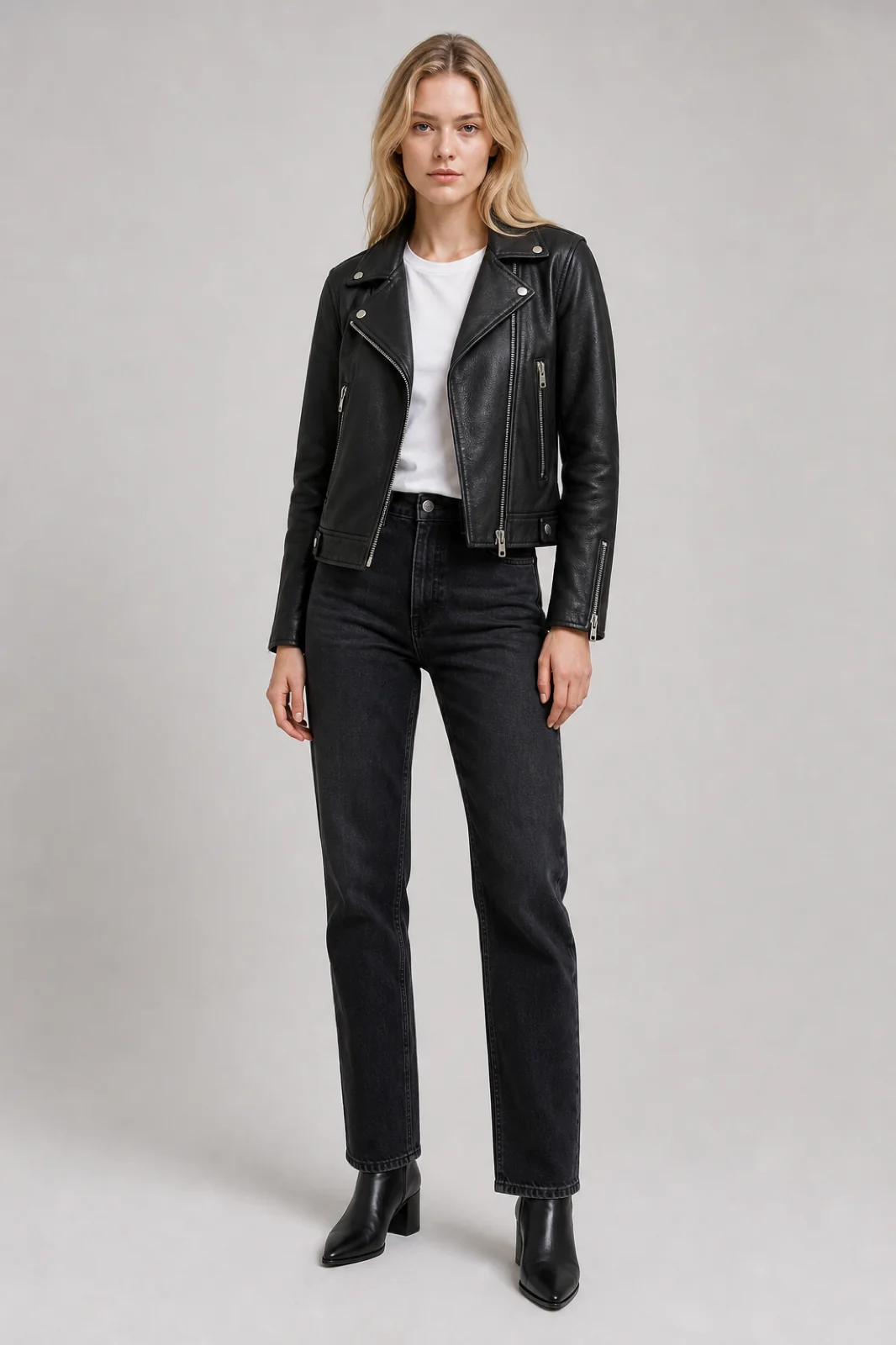
What is an AI Clothes Changer?
An AI clothes changer swaps the outfit in a photo for one you supply as a reference — the face, body, and pose stay exactly as they were, only the clothing changes. On VidCella it runs on Seedream V5 Pro, ByteDance's flagship image model, which handles real human subjects and close-fitting garments at full quality.
- Identity Stays LockedFace, hair, skin tone, body shape, and pose all carry over from your photo. Only the garment is replaced.
- Any Garment as ReferenceA product shot, a street-style photo, a screenshot from a catalogue — if the garment is visible, the model can fit it to your subject.
- Powered by Seedream V5 ProSeedream V5 Pro handles real human subjects and form-fitting clothing at full output quality.
- No Prompt EngineeringUpload two images and hit Generate. The prompt is built for you, with an optional field if you want to tweak the scene.
How to Change Clothes in a Photo
Three steps, no editing skills needed.
AI Clothes Changer Features
What you get when you swap outfits on VidCella:
Realistic Fit
Drape, seams, and fabric texture are rebuilt to match the body underneath, with shadows that follow the original lighting.
No Face Leak
The prompt explicitly blocks the reference image's own model and background from bleeding into your result.
Fabric Fidelity
Drape, seams, and fabric texture are prompted explicitly, so the garment sits on the body rather than looking pasted on.
Try On a Specific Look
Same engine, tuned per scenario.
AI Clothes Changer — Frequently Asked Questions
Common questions about changing clothes in photos:
How do I change clothes in a photo with AI?
Upload your photo and a second image showing the outfit you want. The AI replaces the clothing on your subject with that garment while preserving their face, body, and pose. No masks or selections needed.
Which model does it use?
Seedream V5 Pro, ByteDance's flagship image model. Output is fixed to the 1K tier and follows your source photo's aspect ratio. Each generation costs 15 credits.
What kind of outfit reference works best?
A clear, well-lit shot of the garment. Product photos on a plain background work best, but street-style photos and catalogue screenshots also work — the prompt blocks the reference model's face from carrying over.
Does it work on group photos?
It is built for single subjects. Use a photo with one clearly visible person for reliable results.
Are my images stored?
Uploads are processed for generation only, and results are kept in your private history for download. VidCella does not use your images for training.