
AI Wedding Dress Try-On
Upload your photo and a gown to see yourself in it — before the fitting, before the deposit.
Upload the person whose identity to keep
PNG, JPG, WEBP
Upload a photo of the gown
PNG, JPG, WEBP
Preview
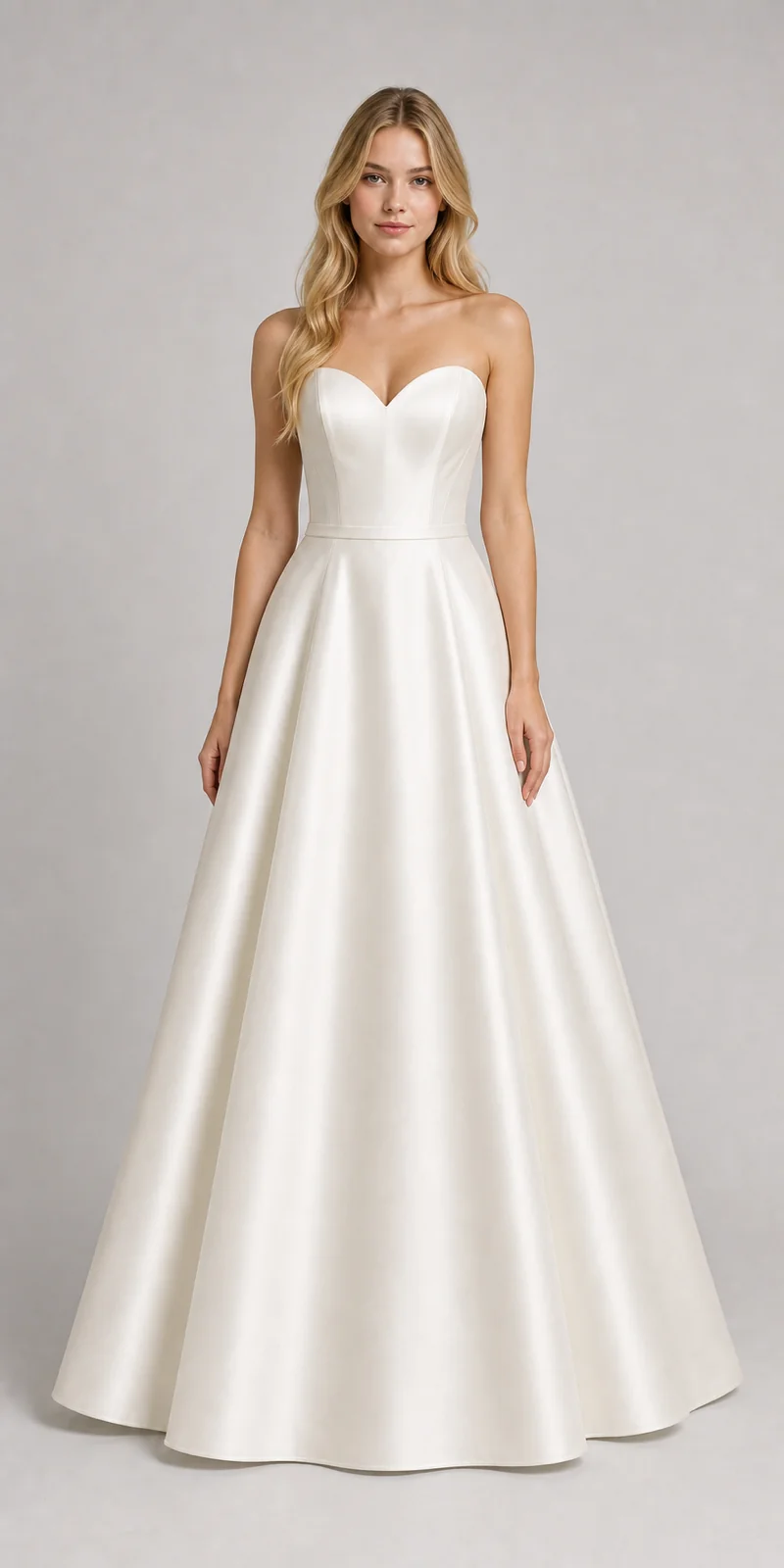
What is AI Wedding Dress Try-On?
Upload your photo and a gown, and see yourself wearing it before you ever book a fitting. The prompt is tuned for bridal wear, so silhouette, lace, beadwork, and train length survive the swap. Runs on Seedream V5 Pro, ByteDance's flagship image model.
- Gown Detail PreservedLace, beadwork, and train length are called out in the prompt, so they don't get simplified away.
- Your Face, Your BodyFace, hair, skin tone, and pose stay exactly as in your photo. Only the dress changes.
- Shortlist Before You FitRun several gowns and compare them side by side in your history panel.
How to Try On a Wedding Dress with AI
Three steps to see yourself in the gown.
Wedding Dress Try-On Features
Built for bridal shopping:
Silhouette Accuracy
A-line, mermaid, ballgown, and sheath cuts hold their shape against your body.
No Face Leak
The model in the gown photo won't replace yours — the prompt blocks it explicitly.
Any Silhouette
Ball gowns, A-line, mermaid, and fitted styles all come back at full output quality.
AI Wedding Dress Try-On — FAQ
Will it keep the lace and beadwork?
Yes — the prompt names lace, beadwork, and train length as details to preserve, which is what keeps them from being smoothed over.
Can I try a veil or change the venue?
Use the optional instruction field. Add something like "cathedral veil, garden ceremony background" and it applies in the same pass.
What gown photo works best?
A clear, well-lit full-length shot. Product photos on a plain background are ideal, but lookbook photos work too.
How much does it cost?
15 credits per generation — the 1K tier plus the second reference image.