
Photo to Anime Converter
Upload a photo and get it back as a finished anime illustration — same people, same outfit, same place, in one of six styles.
Starting from anime art instead? Use Anime to Real Life.
Upload a selfie, couple shot, pet or scene
PNG, JPG, WEBP
Preview
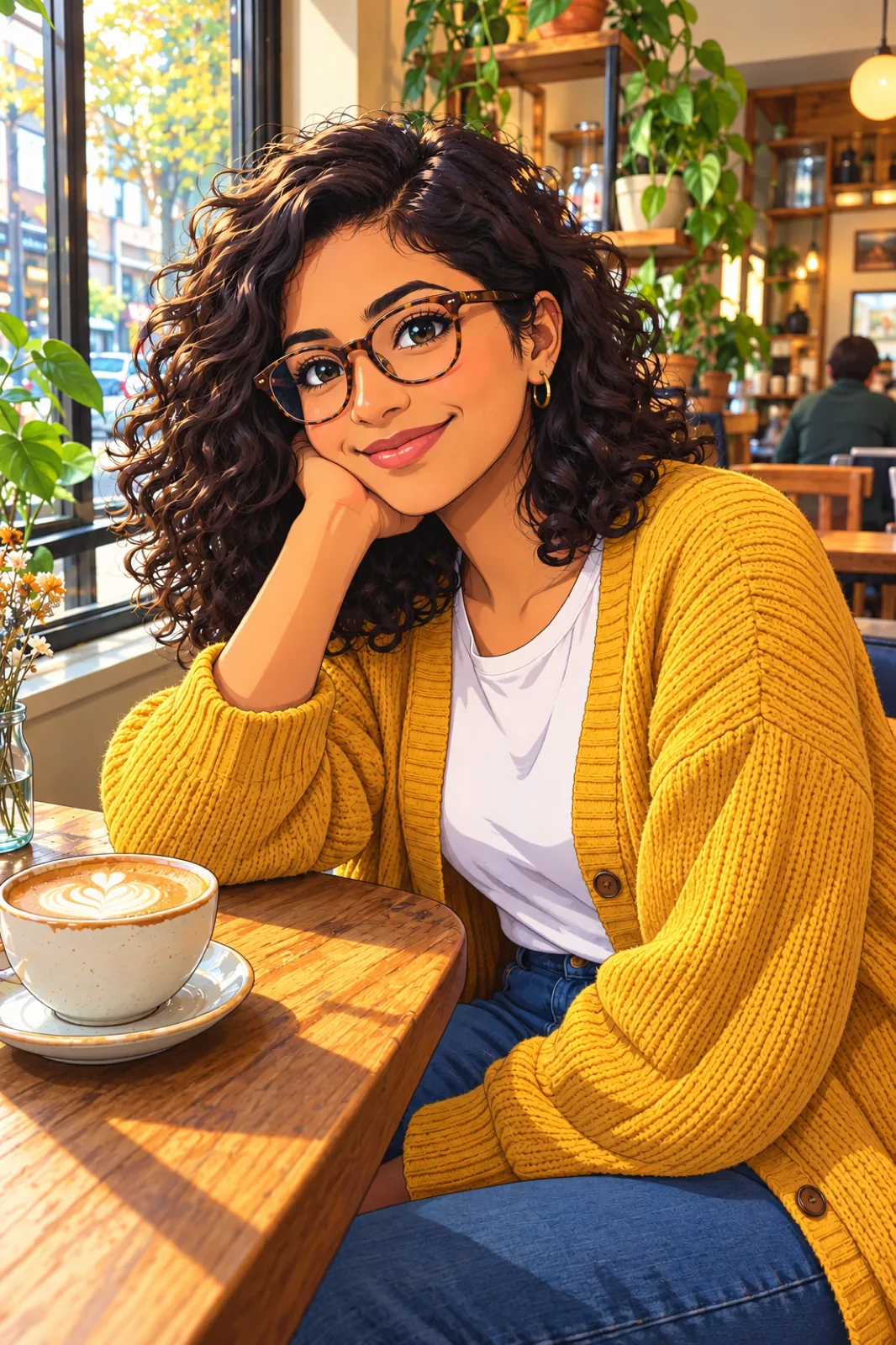
A Full Redraw, Not a Face Filter
Face filters swap in anime eyes and leave the rest of the photo looking like a photo. This converter hands the entire frame to Seedream 5.5 and asks for a finished illustration: line art and painted color everywhere, nothing photographic left over. What you were wearing, how your hair sat, and the room or street behind you are all drawn into the result, so it still reads as that specific moment.
- The Scene Comes With YouBackgrounds are redrawn in the same style instead of being blurred out or replaced with a stock backdrop.
- Skin Tone Is PinnedThe prompt tells the model to keep each person's exact skin tone, which anime styles tend to lighten when left alone.
- More Than SelfiesCouple shots, group photos and pets work. Animals keep their breed and markings.
How to Convert a Photo to Anime
No prompt needed. The style picker does the writing.
The Six Anime Styles
Same photo, six very different drawings:
Modern Anime
Clean lines, crisp two-tone cel shading and saturated color. The safe pick for avatars.
90s Cel Anime
Muted retro palette, sharper facial features, hand-painted backgrounds and a touch of film grain.
Shōjo
Fine lines, large layered eyes, pastel light, drifting petals and sparkles. Made for couple photos.
Shōnen Action
Heavy ink, hard black shadows, rim light and speed lines. Your expression comes back more determined.
Chibi
Everyone becomes about two and a half heads tall. Poses are simplified; outfits and glasses stay.
Watercolour Film
Simple rounded characters over lush painted backgrounds, like a still from a hand-painted feature.
Photo to Anime — FAQ
Will people still recognize me?
That is what the prompt is built around: face shape, eye color, facial hair, hairstyle, glasses and expression are all listed as things to keep. Chibi trades the most likeness for cuteness; Modern Anime and 90s Cel keep the most.
Which model does the conversion?
Seedream 5.5, ByteDance's newest image model, through its edit mode at the 1.5K tier.
Can I change the outfit or background while converting?
Yes. Use the optional text box: "give me a school uniform" or "set it on a rooftop at sunset". Anything you don't mention stays as it was in the photo.
Does it add text or a watermark?
The prompt rules out captions, signatures and watermarks, so the illustration comes back clean.
I have anime art and want a real photo. Is that this tool?
That is the reverse job. Use Anime to Real Life, linked at the top of this page.
Is the Photo to Anime Converter free?
Signing up is free and comes with free trial credits, enough for about four anime conversions at 9 credits each. When those run out, credit packs start at $10 for 800 credits. There is no subscription, and if a generation fails its credits are returned.
What does a conversion cost?
9 credits per image, pay-as-you-go with no subscription.