
Photo to Cartoon Maker
Turn a portrait, a family photo or your pet into a cartoon that people still recognize, in six styles from 3D film to claymation.
Upload a portrait, family photo, pet or scene
PNG, JPG, WEBP
Preview
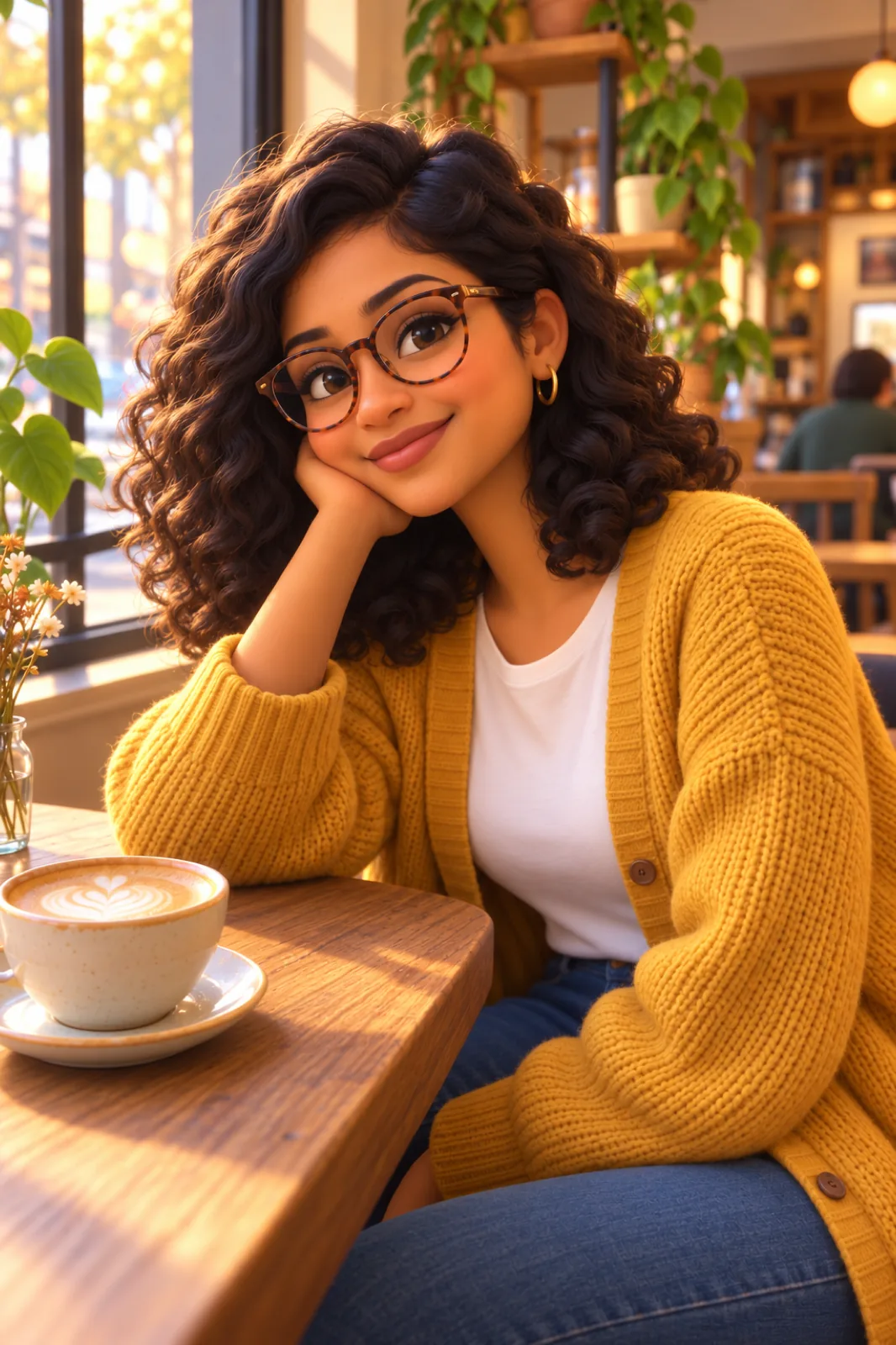
Same People, Different Medium
The test for a cartoon portrait is whether your sister looks at it and says "that's Dad". So this tool is prompted for likeness first: face shape, smile, hairstyle, glasses and exact skin tone carry over, and only then do the proportions and materials change to fit the style you picked. Seedream 5.5 redraws the setting too, which is why a photo from the lake still looks like the lake.
- Recognizable at a GlanceDistinctive features are kept or gently exaggerated, never swapped for a generic cartoon face.
- Whole Groups in One PassFamily and team photos convert in a single generation, everyone in the same style.
- Kept FlatteringEven Caricature is told to be affectionate and never mocking, so results are safe to give as gifts.
How to Turn a Photo Into a Cartoon
Three clicks and an optional sentence.
Six Cartoon Styles and When to Use Them
Pick by where the picture is going:
3D Animated Film
Soft rounded CG characters with cinematic light. The crowd-pleaser for family portraits and pets.
Classic 2D Cartoon
Bold outlines and flat bright color, like a Saturday-morning show. Great on cards.
Comic Book
Inked lines, halftone dots and dramatic shadow. Works well for action shots and posters.
Flat Vector
Geometric shapes and about six colors. Clean enough for a work profile or a slide deck.
Caricature
Big head, small body, the features people know you for turned up a notch.
Claymation
Everything sculpted from plasticine on a miniature set, fingerprints included.
Photo to Cartoon — FAQ
Does it keep the background?
Yes, redrawn in the chosen style. To change it, write the new setting in the optional box, for example "put us on a beach".
How many people can be in the photo?
There is no fixed limit, but faces need enough pixels to work from. Small groups in a reasonably tight frame give the best likeness; a crowd shot will lose detail on individuals.
Will it work on my cat or dog?
Yes. The prompt asks for the same breed, markings and coloring, so a tabby stays a tabby.
What size is the output?
The 1.5K tier of Seedream 5.5, in the same aspect ratio as your upload. That is enough for cards, mugs and social posts.
How is this different from Photo to Anime?
Anime styles follow Japanese animation conventions. The cartoon styles here cover Western looks: CG film, TV cartoon, comic, vector, caricature and clay.
Is the Photo to Cartoon Maker free?
It's free to try, not free without limit. Signing up comes with free trial credits, enough for about four cartoons at 9 credits each, and after that you buy credits in packs from $10 for 800 credits. There is no subscription, and failed generations are refunded.
What does it cost?
9 credits per cartoon. Credits are pay-as-you-go, with no subscription.