Photo to Sketch Converter
Turn a portrait, a pet or a building into a pencil, charcoal or ink drawing with real strokes and the likeness intact.
Upload a portrait, pet, building or street scene
PNG, JPG, WEBP
Preview
Drawn Again, Not Filtered
Classic sketch filters detect edges and desaturate, which is why the output always looks like a gray photo. Here GPT Image 2.5 treats your photo the way an artist treats a reference: it keeps the composition, the likeness and where the light falls, then rebuilds everything from strokes. Forms get simplified, edges are drawn, detail is selective, and the paper shows through.
- True LikenessFaces are prompted to stay accurate to the person, not idealized into a generic portrait.
- Shading Follows the PhotoLight and shadow land where they did in the original, so the drawing holds together.
- Just the ArtworkThe drawing fills the frame. No desk, sketchbook edge or hand holding a pencil.
How to Turn a Photo Into a Sketch
Upload, choose a medium, generate.
Six Drawing Media
Each one changes the paper as well as the marks:
Pencil Sketch
Graphite on white paper with smooth gradients and cross-hatched shadows. Reads like a portrait study.
Charcoal
Broad smudged strokes on gray toned paper, with white chalk on the highlights. Loose and dramatic.
Ink Line Art
Pure black lines on white, no gray. Closed shapes that work as a tattoo stencil or coloring page.
Coloured Pencil
Layered hatching on cream paper, with the background left lighter than the subject.
Ballpoint Pen
Blue pen, dense cross-hatching, bare paper for highlights. The notebook-margin masterpiece.
Urban Sketch
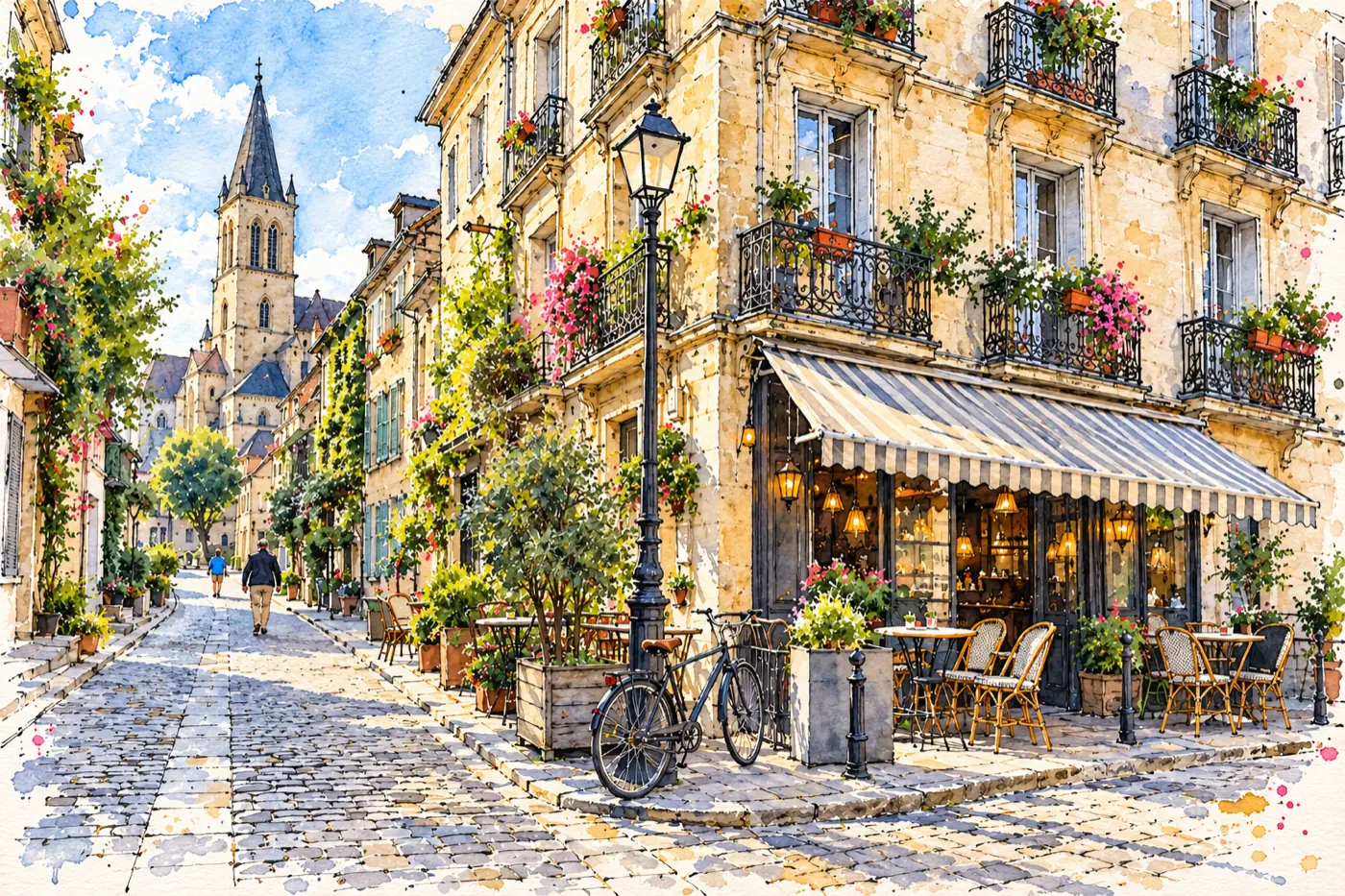
Wobbly fine-liner and light watercolor washes. Best for buildings, cafés and travel photos.
Photo to Sketch — FAQ
Why does this run on GPT Image 2.5 and not Seedream?
A sketch replaces every pixel of the photo, and that suits the GPT Image 2.5 mode that composes a new picture from a reference instead of editing in place. The anime and cartoon converters use Seedream 5.5.
Can I get line art for a tattoo?
Choose Ink Line Art. It produces clean outlines with tapered weight and no gray tones. Treat it as a starting point to bring to your tattoo artist, who will adapt it for skin.
Does it work on houses and landscapes?
Yes. Urban Sketch is tuned for architecture and streets, and Pencil or Ink handle buildings well too.
Will the drawing have the same proportions as my photo?
Yes. Framing, camera angle and aspect ratio follow the upload.
Is the Photo to Sketch Converter free?
You can try it for free. Signing up costs nothing and comes with free trial credits, enough for about eight sketches at 5 credits each. After that, credit packs start at $10 for 800 credits with no subscription, and failed generations are refunded.
What does a sketch cost?
5 credits, the GPT Image 2.5 rate at 1K. Pay-as-you-go, no subscription.